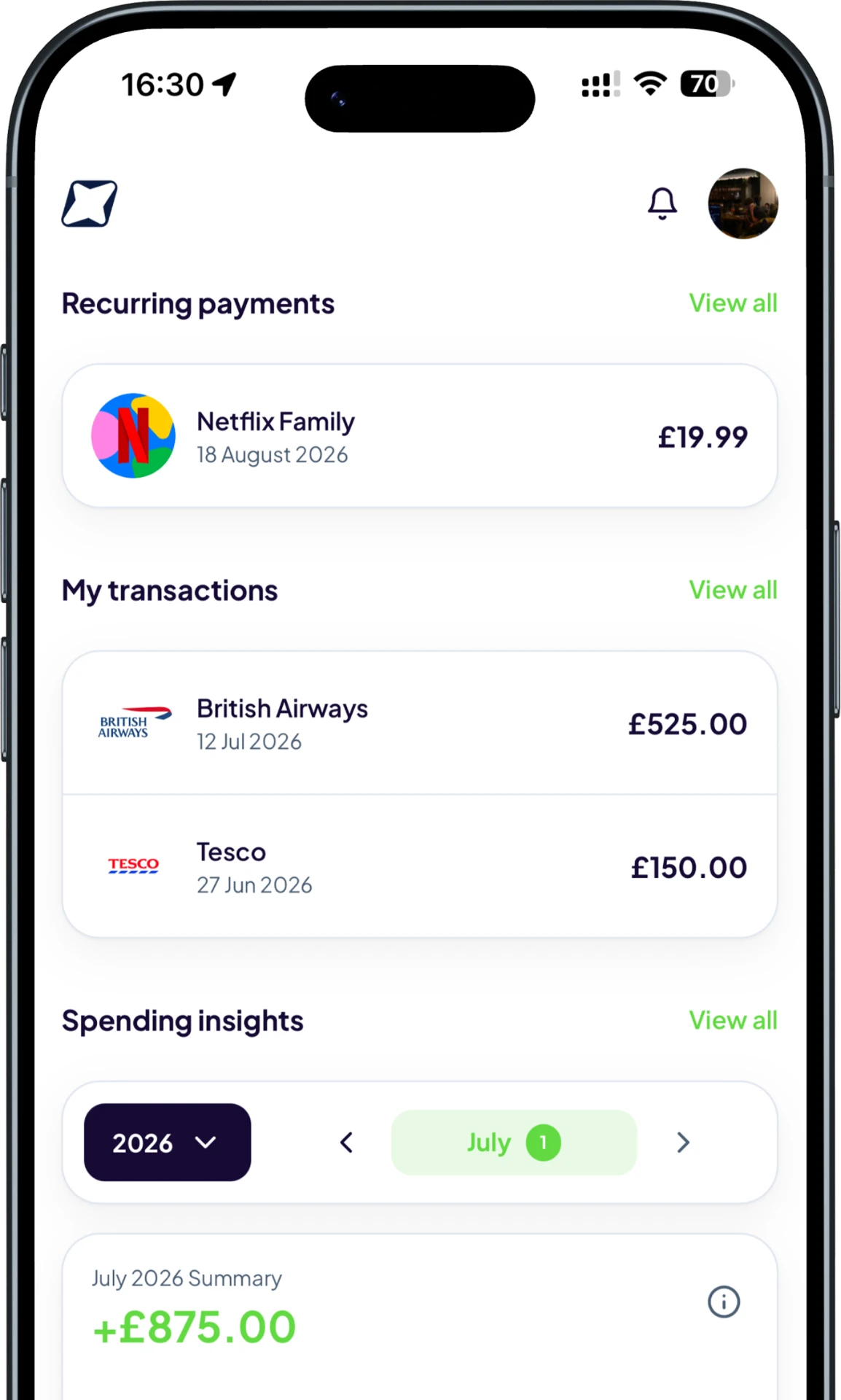
Capture each purchase
Scan a receipt or add a transaction manually with its merchant, amount, date and category.
The short answer
A personal transaction report turns individual purchases into a structured record you can search, filter and review. Trackr builds reports from the receipts and manual transactions you add, rather than importing a bank feed.
A simple route from recording the detail to understanding it.
Scan a receipt or add a transaction manually with its merchant, amount, date and category.
Search and filter your transaction history to focus on the period or spending type that matters.
Download transaction data as a CSV when you need a portable copy.
Trackr keeps the experience focused on decisions you can make, not more financial noise.
Keep merchant, date, amount and category information together in a consistent format.
Use search and filters instead of working through disconnected notes and receipt photos.
Export what you have recorded, so your transaction history is not locked inside the app.
Compare what you spent across merchants and categories.
Keep selected costs organised for your own record-keeping.
Find repeat purchases and understand where money went.
See how Trackr turns individual records into a clearer money picture.
Add your first transaction on mobile and see Trackr turn the details into something useful.