Build your history
Add transactions consistently so your spending view reflects the money you want to understand.
The short answer
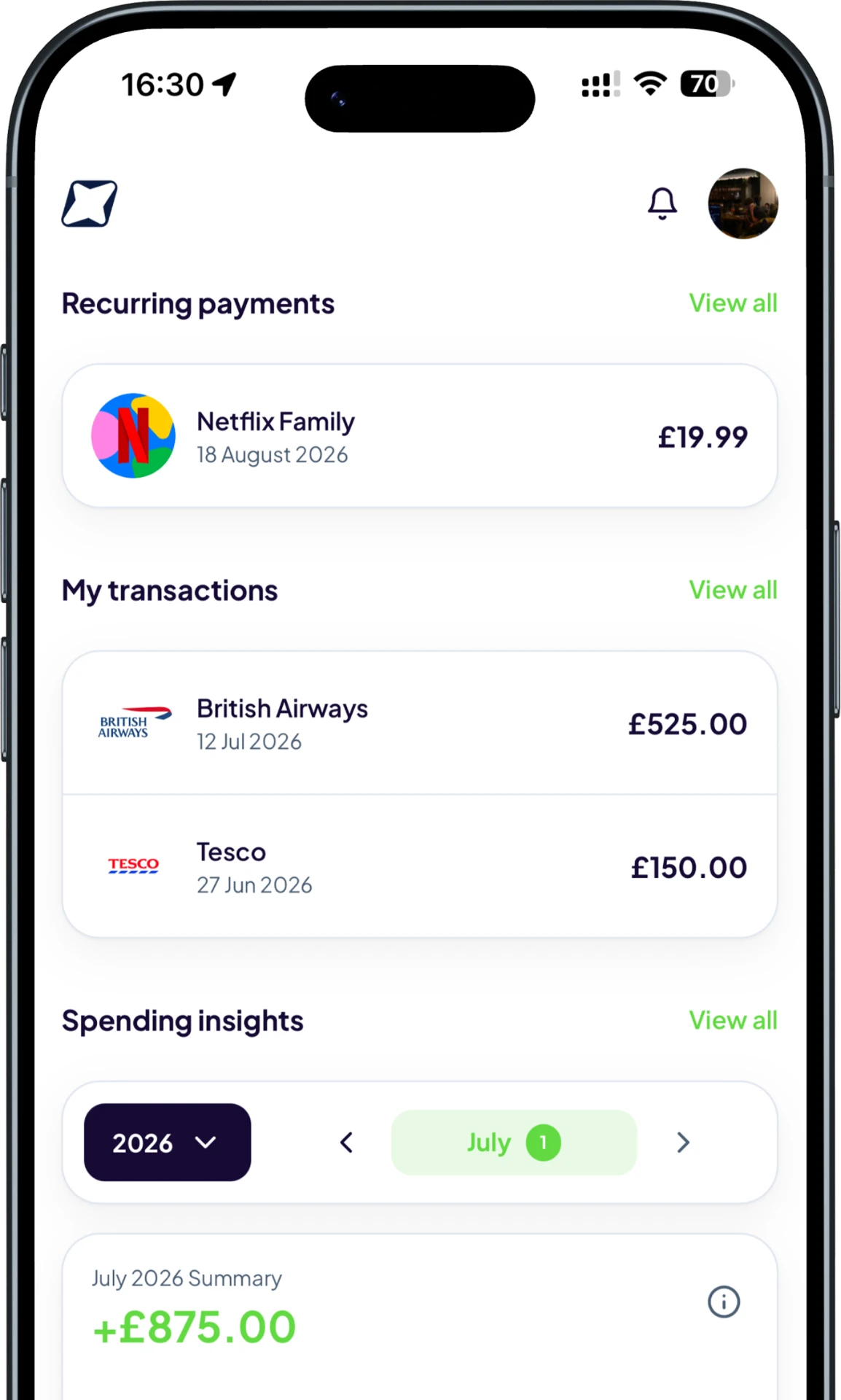
Personal spending analytics group your recorded transactions into patterns you can understand, such as monthly totals, category shares and top merchants. Trackr calculates these views from your own receipt scans and manual entries.
A simple route from recording the detail to understanding it.
Add transactions consistently so your spending view reflects the money you want to understand.
Review totals by category, merchant and period instead of reading a flat list of purchases.
Use what you find to adjust a spending target or investigate a cost that has changed.
Trackr keeps the experience focused on decisions you can make, not more financial noise.
See where money is concentrated without calculating category totals yourself.
Review changes over time and understand which merchants or categories drive them.
Analytics use the transactions you decide to record, not an unrestricted bank feed.
Identify categories that are growing faster than expected.
Use previous spending to make more realistic decisions.
See which businesses receive the most of your spending.
See how Trackr turns individual records into a clearer money picture.
Add your first transaction on mobile and see Trackr turn the details into something useful.