Choose a category
Focus on an area where a clear monthly boundary would help your decisions.
The short answer
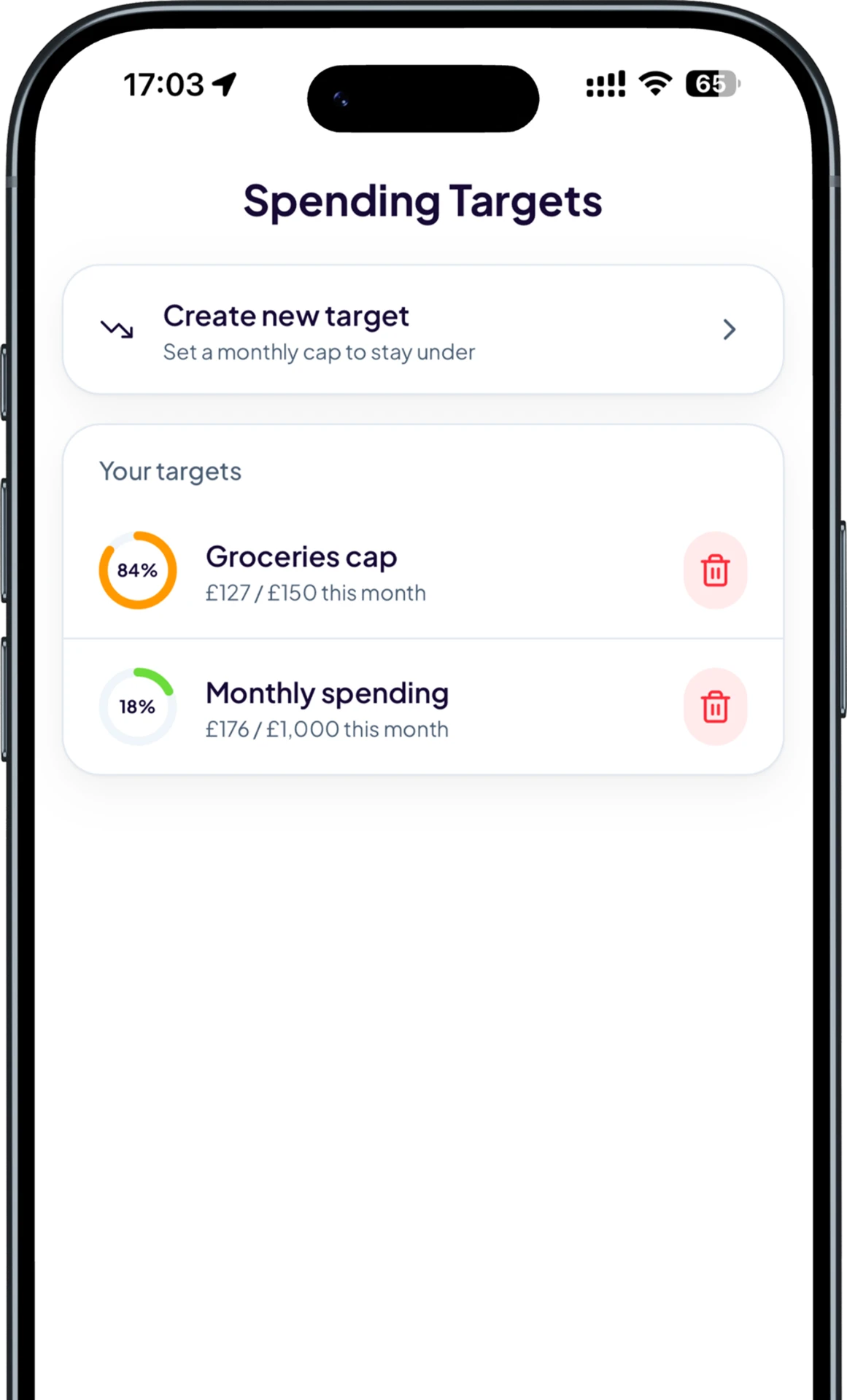
A spending target is a monthly limit for a category such as groceries or entertainment. Trackr compares the target with the transactions you record in that category and updates progress as your spending changes.
A simple route from recording the detail to understanding it.
Focus on an area where a clear monthly boundary would help your decisions.
Add a realistic monthly target based on what you want to spend in that category.
Each matching transaction moves the progress view, so you can adjust before the month ends.
Trackr keeps the experience focused on decisions you can make, not more financial noise.
Target the categories that matter instead of relying on one broad budget number.
Understand how much of a category limit you have used while there is still time to respond.
Edit a target as your priorities, income or regular costs evolve.
Keep everyday food spending within a monthly range.
See discretionary spending build across the month.
Set a boundary without losing sight of individual purchases.
See how Trackr turns individual records into a clearer money picture.
Add your first transaction on mobile and see Trackr turn the details into something useful.