Capture the receipt
Use your phone camera for a paper receipt or upload a screenshot of a digital one.
The short answer
A receipt scanner app photographs or uploads a receipt, extracts its key purchase details and stores the record for later use. Trackr keeps the receipt connected to a transaction you can review, search and export, without requiring access to your bank.
A simple route from recording the detail to understanding it.
Use your phone camera for a paper receipt or upload a screenshot of a digital one.
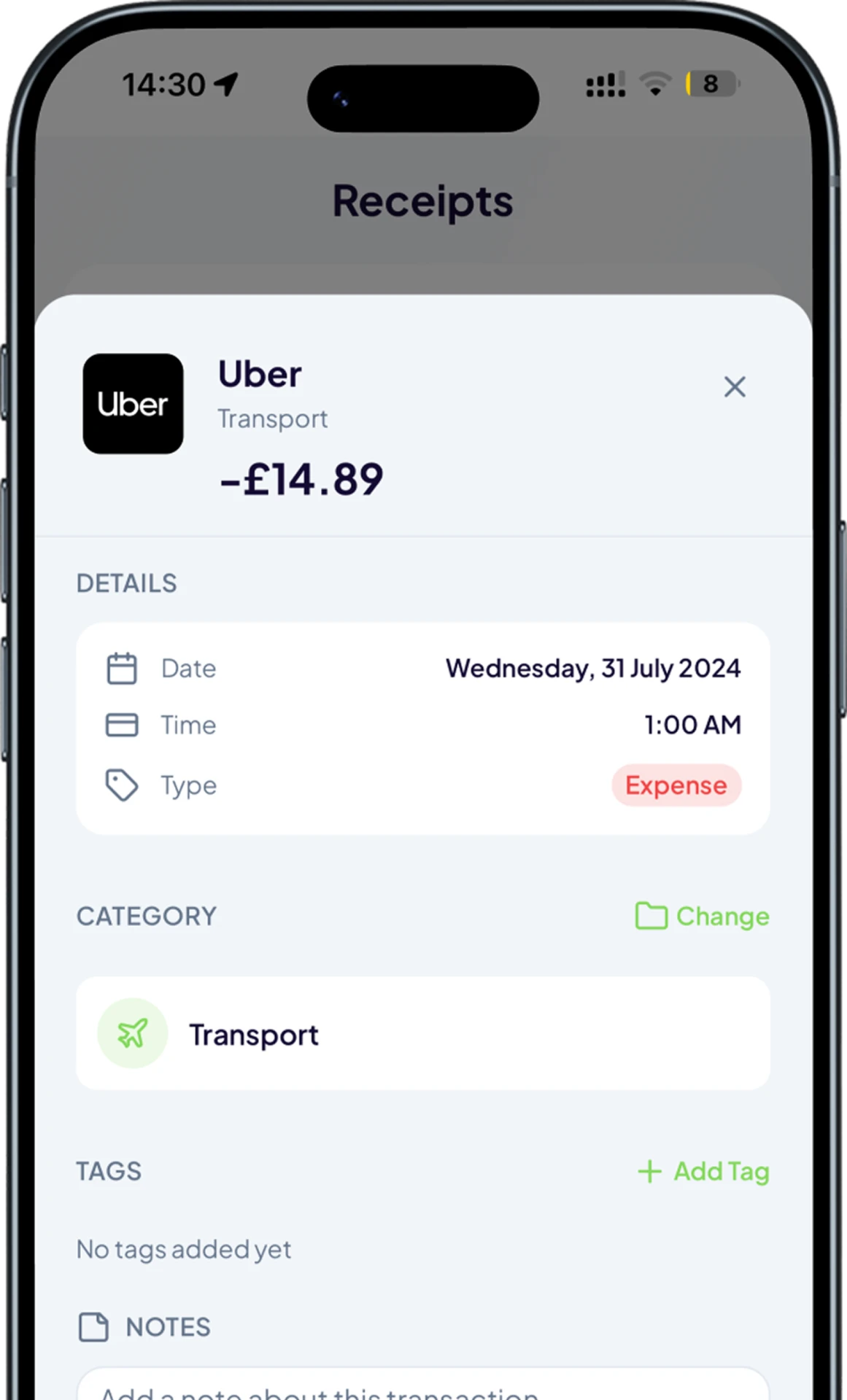
Review the merchant, amount, date and category that Atlas prepares before saving.
Download receipt images as a ZIP, transaction data as CSV, or combine both in one archive.
Trackr keeps the experience focused on decisions you can make, not more financial noise.
Keep the receipt image associated with the structured transaction it supports.
Let Atlas prepare the key fields, then review and correct them before saving.
Take receipt images and transaction data out of Trackr in practical file formats.
Keep proof of purchase with the transaction details.
Collect selected receipts for your own organised archive.
Upload screenshots when there is no paper receipt to photograph.
See how Trackr turns individual records into a clearer money picture.
Add your first transaction on mobile and see Trackr turn the details into something useful.